
Best iPhone Photo Recovery Software 2026
- Recover deleted photos, videos & Live Photos from Camera Roll, albums & iCloud
- Works past the 30-day Recently Deleted window & without a backup
- Compatible with iOS 26 & the iPhone 17 line
- Trusted by thousands of iPhone owners worldwide
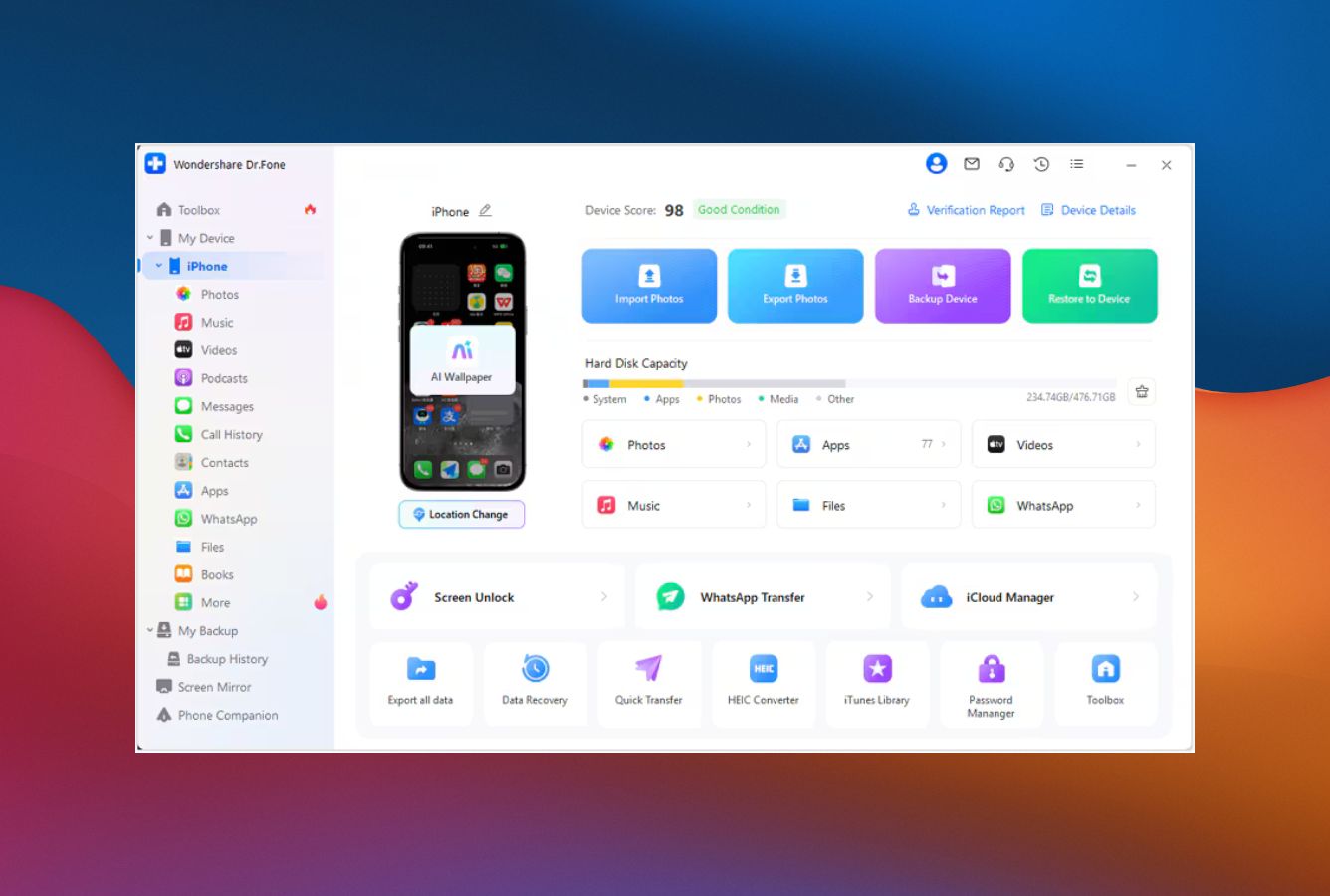

Top photo recovery from Camera Roll, deleted album, iCloud Photos & iTunes backups. HEIC, RAW & Live Photos all supported. Outstanding!
- Recovers JPG, HEIC, RAW, Live Photos & videos
- 3 sources: device, iTunes, iCloud Photos
- Pulls photos past Apple's 30-day deletion limit
- Preview thumbnails before paying
- Works on iOS 26 & iPhone 17 from day one
- No jailbreak, no data risk

Wizard-guided photo recovery for non-technical users. Restores Camera Roll, albums & My Photo Stream in three guided steps. 24/7 support.
- Step-by-step wizard, no tech skills needed
- Photos, videos & Live Photos supported
- Thumbnail preview of recoverable photos
- 3 sources: device, iTunes, iCloud Photos
- 20+ year corporate track record

Specialist for damaged iTunes backups & corrupted Photos libraries. First to support each new iOS — ideal for the latest iPhone owners.
- Pulls photos from damaged iTunes backups
- Recovers HEIC, JPG, RAW & Live Photos
- First to support new iOS releases
- Smart Recovery scenario picker
- Lifetime license available

Affordable photo recovery from a 20-year data-recovery brand. Handles encrypted iTunes backups & corrupted Photo libraries at the lowest annual price.
- From $39.99/yr — cheapest annual license
- Recovers JPG, HEIC, PNG & RAW photos
- Deep scan rebuilds fragmented photo files
- Handles encrypted iTunes backups
- 20+ years in data recovery
- Compatible with iPhone & iPad

Recovers Camera Roll, Burst, Live Photos & in-app photos from WhatsApp/WeChat. Pulls iCloud Photos without overwriting your device.
- Camera Roll, Burst & Live Photos
- In-app photos from WhatsApp & WeChat
- iCloud Photos recovery, no overwrite
- 35+ recoverable file types total
- iOS 26 & iPhone 17 supported
Frequently Asked Questions
Can I recover photos deleted from my iPhone more than 30 days ago?
Sometimes — yes. Apple's Recently Deleted album holds photos for 30 days, after which they're marked for permanent removal. But the underlying photo files often stay on the device's storage until iOS overwrites that space with new data.
The tools on this page scan unallocated storage for those leftover photo signatures (JPG, HEIC, RAW) and reconstruct them. Success drops the more you use the phone after deletion, so stop taking new photos and run a recovery scan as soon as possible.
Can I recover photos without an iCloud or iTunes backup?
Yes. All five tools support direct-device scans — they read the iPhone over USB and look for deleted photo files in the storage that the file system has marked as available. No backup needed, but the phone must boot and be unlocked.
If you do have an iCloud or iTunes backup from before the deletion, that's usually a higher-success path — backups contain a complete copy of your Photos library at the time of the backup.
Do these tools recover Live Photos, HEIC, and RAW formats?
All five tools recover the standard iPhone photo formats — JPG, HEIC, PNG, and the videos that accompany them. Live Photos are handled by Dr.Fone, MobiSaver, and PhoneRescue (the photo + the paired MOV file). RAW format (DNG, ProRAW from iPhone 12 Pro and later) is supported by Dr.Fone and Stellar's deep scan.
Will photos recover with their original metadata and date?
Mostly, yes. EXIF metadata (camera model, GPS, original date) is stored inside the photo file itself, so when a tool recovers the file intact, the metadata comes with it. Date-taken information stays accurate.
The exception is photos recovered via deep scan after the file system reference is gone — those can come back without their original filename, but the EXIF block inside the file usually survives.
How do I know if my deleted photos are still recoverable?
Every tool listed here shows thumbnail previews of recoverable photos during the scan, so you can see exactly what's salvageable before committing. The actual file export to your computer requires a paid license.
The general rule of thumb: the less you've used the iPhone since the photos were deleted, the higher the chance of recovery. New photos, app data, or system writes can overwrite the storage blocks where your deleted images lived.
Will photo recovery work without jailbreaking my iPhone?
Yes. None of the tools on this page require jailbreaking. They work over the standard pairing protocol Apple exposes to Finder and iTunes — you tap "Trust" on the iPhone when prompted, and the app reads via the same channels Apple supports for backup.
How much does iPhone photo recovery software cost?
Pricing in 2026 ranges from $39.99/year for Stellar (the cheapest legitimate annual) up to $139.95/year for the full Wondershare Dr.Fone Toolkit. Most single-feature photo recovery licenses sit between $49 and $79 per year. Lifetime plans from Dr.Fone, UltData, PhoneRescue, and EaseUS are usually the better value if you expect to need recovery more than once.
© 2026 datarecoveryfix.com. All trademarks are property of their respective owners.
