8 Best Data Recovery Software for Mac (2026): Reviewed & Ranked
The best Mac data recovery app is the one that actually gets your files back, not the one with the loudest ads. We looked at two dozen tools for this 2026 update and kept the 8 we’d recommend, ranked by how well they handle real Mac recovery, from emptied Trash to wiped APFS volumes.


considered
+ Intel
covered
macOS 15.4
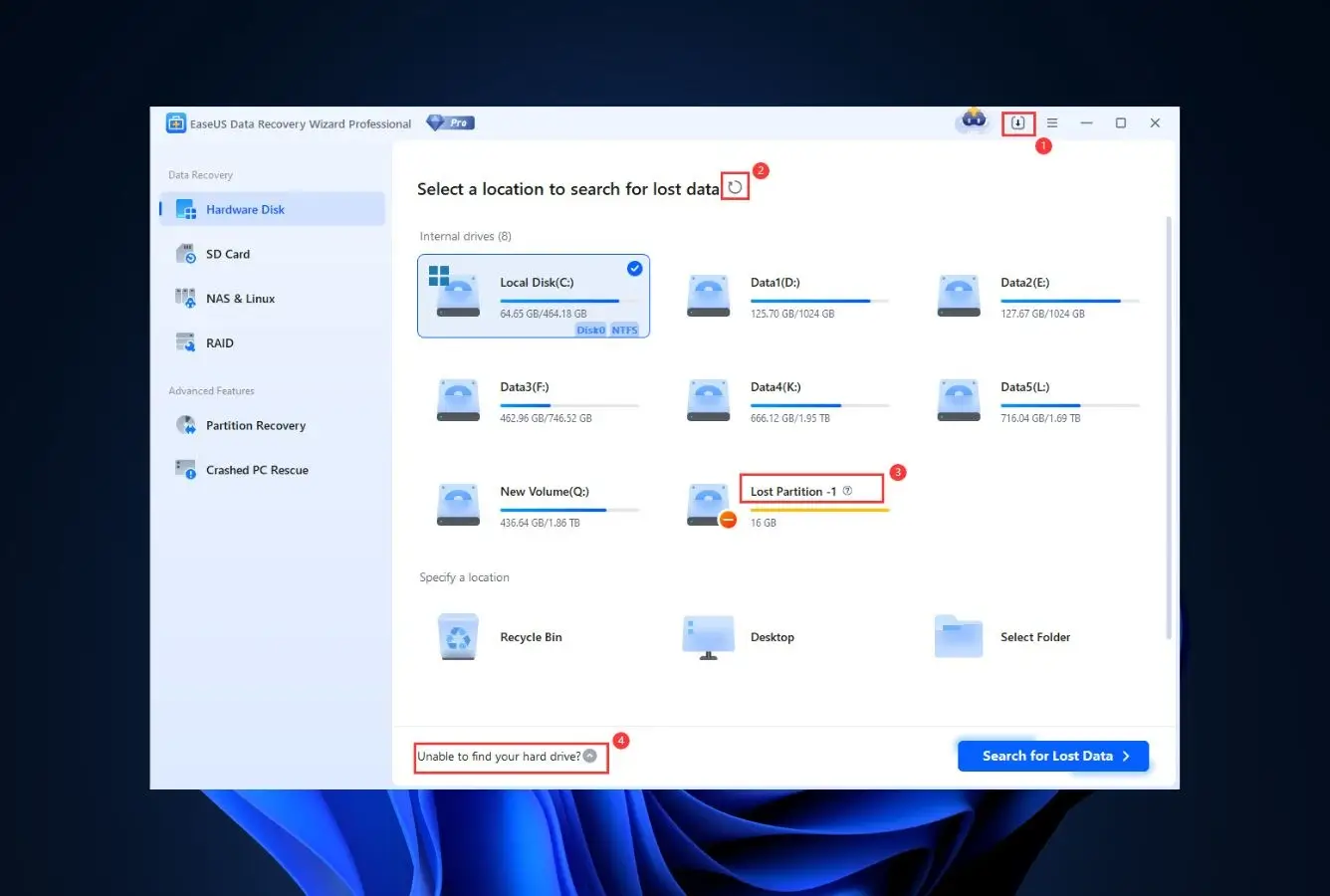
EaseUS Data Recovery Wizard is the best data recovery software for Mac in 2026. It is our top overall pick, standing out for comprehensive file-system support across every modern Mac file system including APFS, HFS+, FAT32, exFAT, and NTFS. The interface is the most polished in the category, a 2 GB free tier lets you verify results before paying, and lifetime licensing starts at $149.95.
 EaseUS Data Recovery Wizard
- Top-pick for recovery capability
- 2 GB free recovery, most generous
- Clean beginner-friendly UI
- Apple Silicon native · macOS 15
 Stellar Data Recovery
- Our #2 overall pick
- Unique photo & video repair engine
- Disk imaging + byte-to-byte cloning
- Apple Silicon native · dark mode
 Disk Drill for Mac
- Top-pick for recovery capability
- $89 perpetual license · Mac + Windows
- S.M.A.R.T. monitoring & disk imaging
- 400+ file type signatures
Best Mac Data Recovery Software – Quick Comparison
Here’s how the 8 tools stack up at a glance. Ratings reflect our editorial review of each tool’s documented capabilities and Mac-specific support.
| Tool | Overall Performance | APFS/HFS+ | Apple Silicon | Ease of Use | Free Limit | Starting Price | Best For |
|---|---|---|---|---|---|---|---|
| EaseUS | Excellent | Full | Native | Excellent | Up to 2 GB | $149.95 / Lifetime | Everyone |
| Stellar | Excellent | Full | Native | Very Good | Up to 1 GB | $99.99 / yr | Photo/video repair |
| Disk Drill | Very Good | Full | Native | Excellent | Preview only | $89 / Perpetual | Best value |
| Recoverit | Very Good | Limited | Native | Good | Up to 500 MB | $94.99 / Lifetime | Video recovery |
| R-Studio | Good | Full | Native | Technical | <1024 KB | $79.99 / Perm | Professionals |
| UFS Explorer | Good | Full | Native | Technical | <256 KB | $64.95 / Perm | Multi-filesystem |
| PhotoRec | Fair | Basic | Terminal | CLI only | No limits | Free | Budget users |
| Data Rescue | Fair | HFS+ strong | Rosetta | Fair | Up to 1 GB | $79 / 30d | One-time events |
Overall performance reflects our editorial review of each tool’s documented capabilities across common data loss scenarios on APFS and HFS+.
The 8 Best Mac Data Recovery Tools, Reviewed
1. EaseUS Data Recovery Wizard – Best Data Recovery Software for Mac Overall
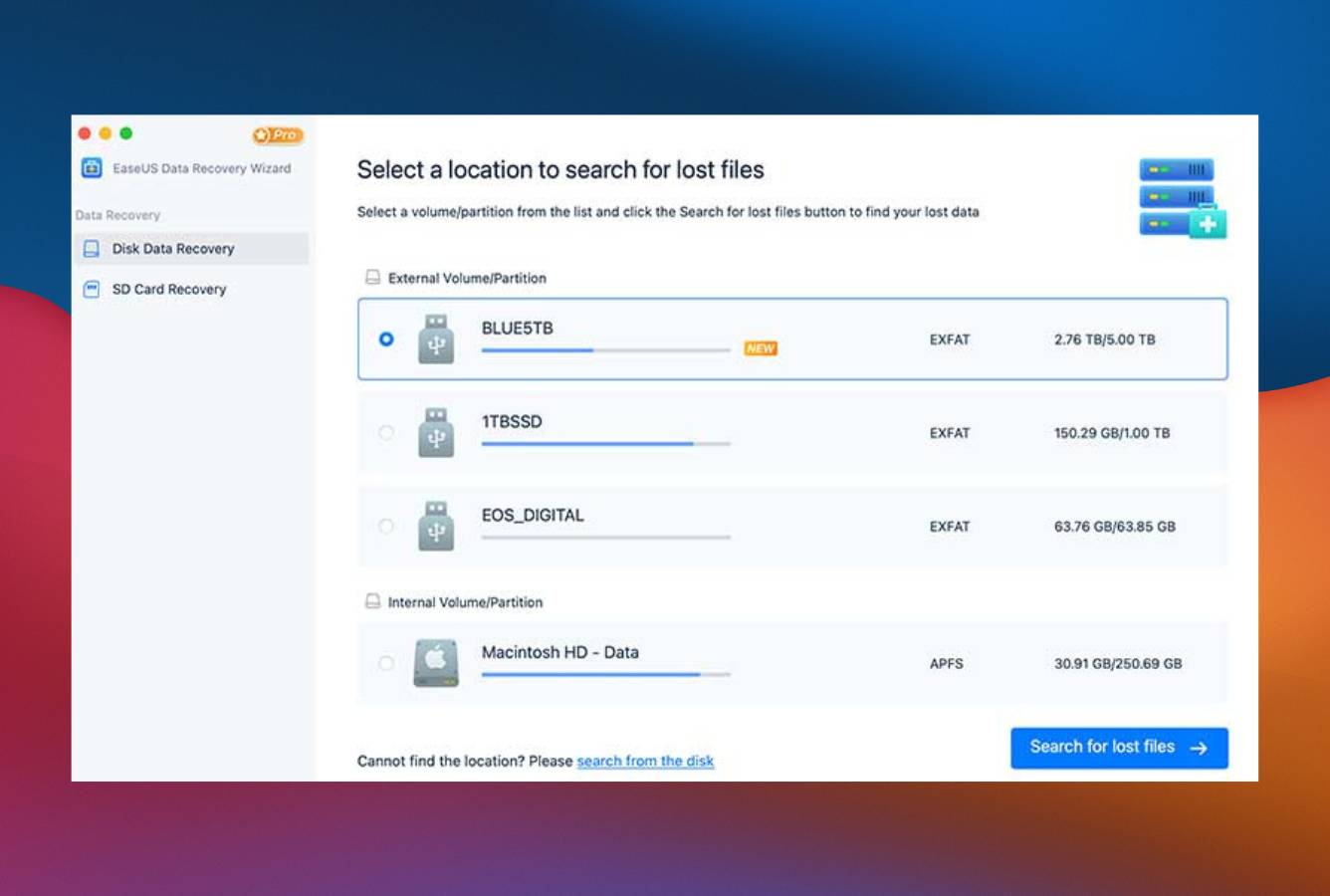
EaseUS Data Recovery Wizard is the tool we’d hand to almost any Mac user, and the one we kept coming back to during this review. It reads every modern Mac file system, runs natively on Apple Silicon, and wraps it all in the cleanest interface in the category.
- Cleanest, most polished interface on this list
- Most generous free tier, 2 GB before you pay a cent
- Lifetime license now available, not subscription-only
- Native Apple Silicon, no T2 or M-series workarounds
- Subscription tiers auto-renew unless you pick lifetime
- Occasional upsell prompts during recovery
What won us over is how little it asks of you. Scanning is one click, previews load without lag, and a first-timer can finish a recovery without opening a help page. We especially liked confirming files were recoverable inside the free 2 GB before paying anything. The one thing that bugged us: scans don’t auto-resume if a drive disconnects mid-scan, which matters on a failing disk.
Best for: Almost everyone, the safest, simplest default for Mac.
Pricing: 2 GB free; lifetime $149.95 (monthly $89.95 / yearly $119.95).
2. Stellar Data Recovery – Best Photo & Video Recovery for Mac
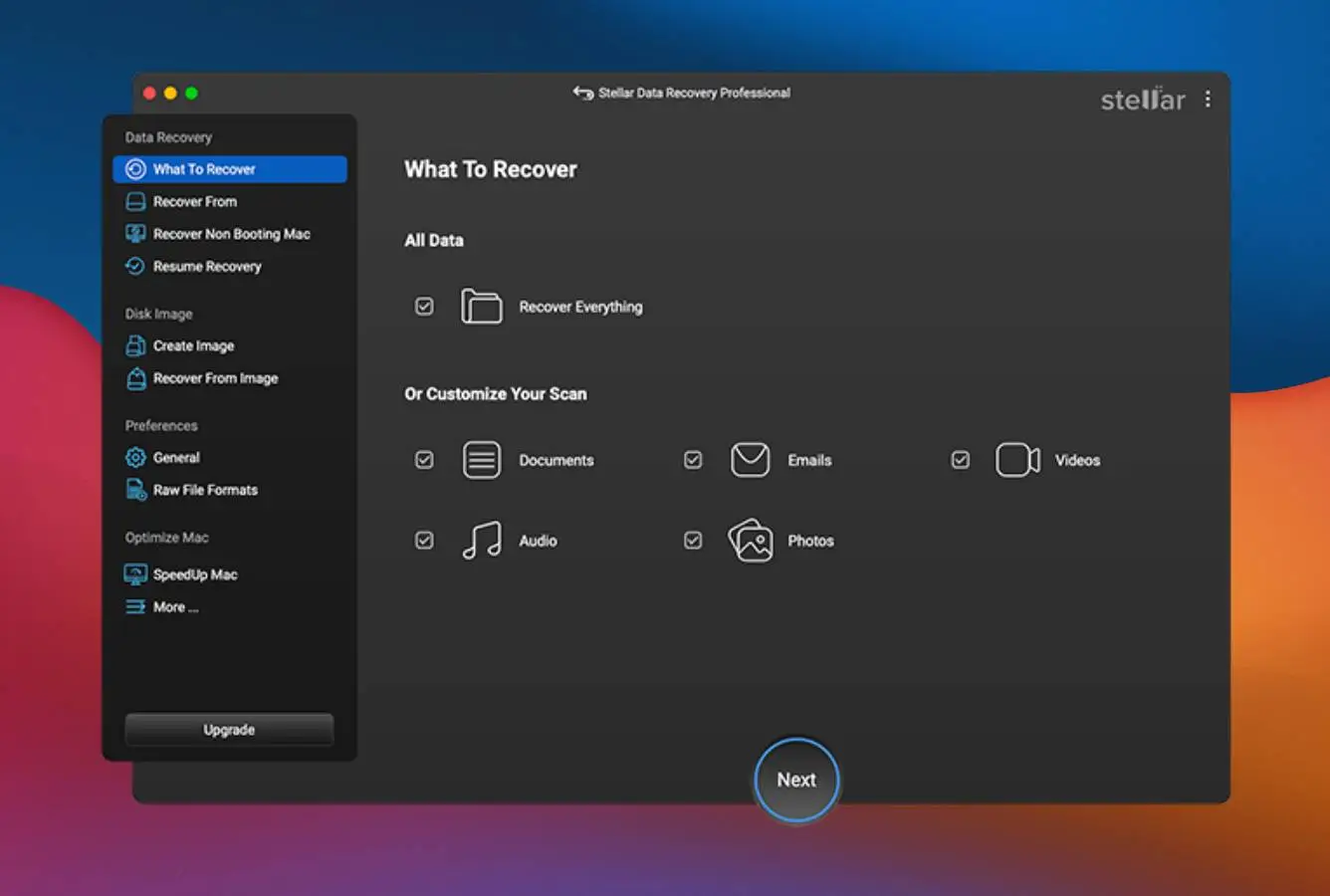
Stellar Data Recovery is our pick for when the files come back but won’t open. It does solid all-round recovery across APFS and HFS+, but the reason it ranks this high is the built-in photo and video repair engine, something nobody else here offers.
- Photo & video repair genuinely fixes corrupted JPEG, MP4 and MOV files
- Clean, modern interface with full Dark Mode
- Built-in byte-to-byte disk imaging for failing drives
- Native Apple Silicon support (M1–M5)
- Repair engine is locked to the priciest tier
- Subscription pricing only, no perpetual option
We liked that Stellar feels built for Mac rather than ported over, and the repair module is the kind of feature you don’t appreciate until corrupted footage suddenly plays. The catch is price: repair only unlocks at Premium ($99.99/yr), so it’s worth it specifically when file repair is why you’re here.
Best for: Recovering media that may be corrupted, not just deleted.
Pricing: 1 GB free; Standard $69.99/yr, Professional $89.99/yr, Premium (repair) $99.99/yr.
3. Disk Drill – Best Value Mac Data Recovery Software
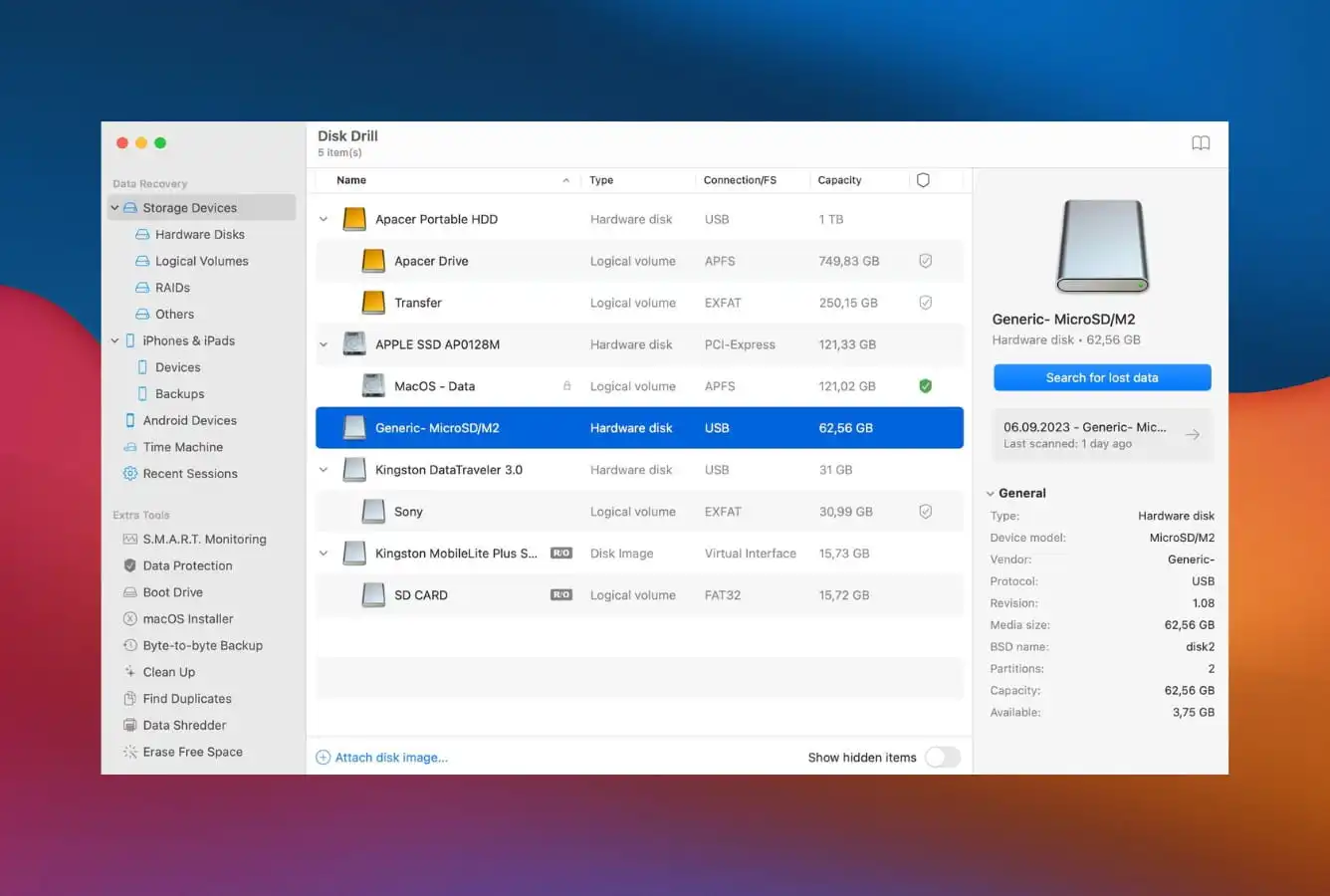
Disk Drill is the value pick, and the one we’d point anyone who hates subscriptions toward. An $89 one-time license covers both Mac and Windows for life, and the app itself is the most Mac-native of the bunch.
- $89 perpetual, pay once, covers Mac + Windows
- The most Mac-native interface here
- Session auto-save resumes scans after a disconnect
- 400+ file-type signatures, the broadest library on this list
- Free version on Mac previews but won’t save files
- No built-in file repair (Stellar wins there)
We like that it does more than recover. S.M.A.R.T. monitoring, disk imaging, a bootable-installer builder and Recovery Vault all come in the box. Run more than one recovery over a couple of years and nothing else here touches its total cost.
Best for: Best long-term value, especially across multiple drives.
Pricing: Free preview; $89 perpetual (Mac + Windows).

4. Wondershare Recoverit – Best Video Recovery Software for Mac
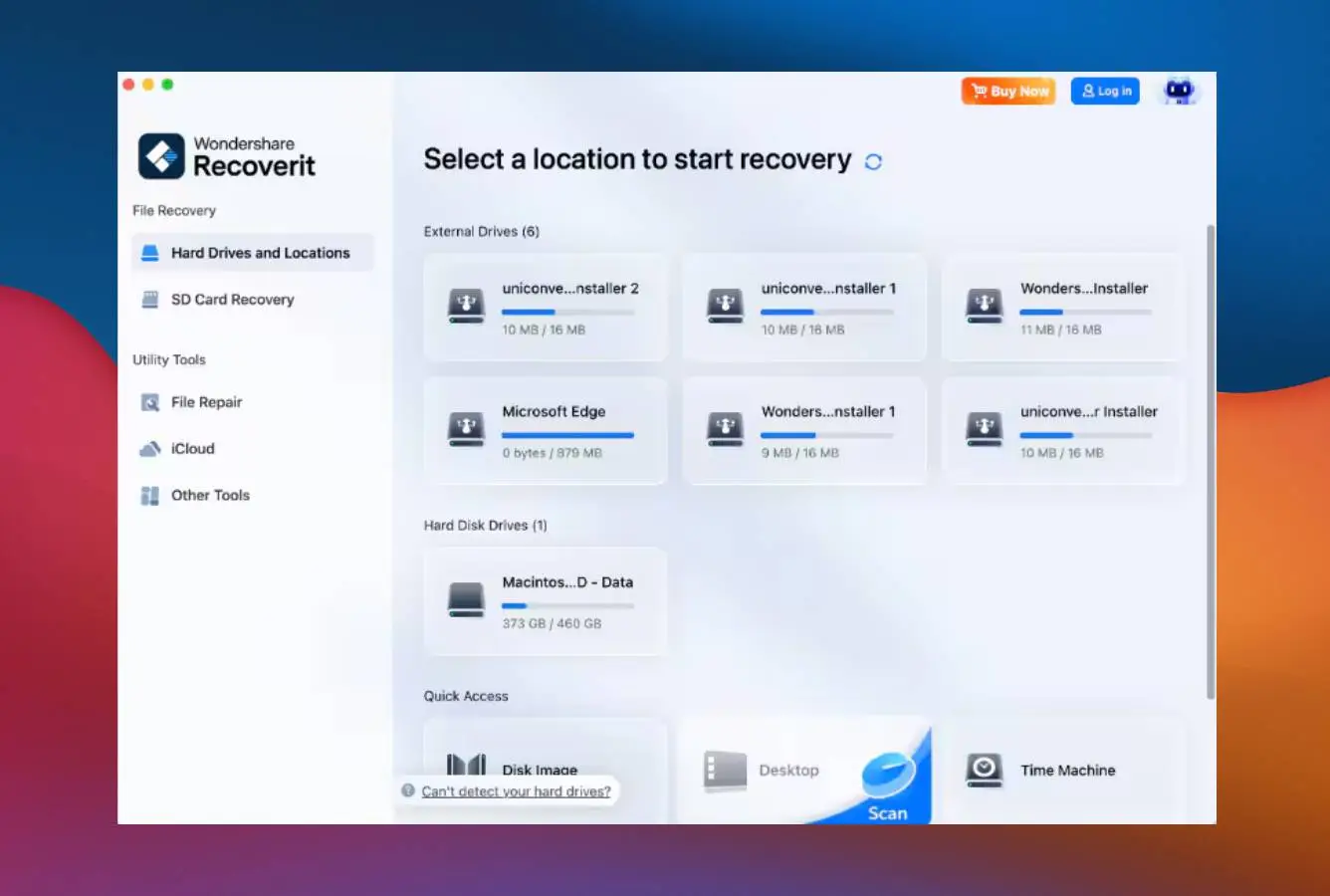
Wondershare Recoverit does competent general recovery, but we’d reach for it specifically for video. Its Enhanced Video Recovery mode stitches fragmented MP4 and MOV clips back together, handy if you shoot on SD cards, drones or action cams.
- Video stitching genuinely rebuilds fragmented clips
- Clean, modern Mac interface with Dark Mode
- Bootable recovery USB built in
- Lifetime license at $94.99
- Free tier capped at 500 MB, tight for media libraries
- Frequent popups pushing other Wondershare apps
The video engine is the real draw, and we haven’t seen another consumer tool rebuild broken footage like it. What we didn’t love is the constant cross-promotion for Filmora and Dr.Fone; it never lets you forget you’re inside the Wondershare ecosystem. For plain file recovery, EaseUS or Disk Drill give you more for the money.
Best for: Recovering camera, drone or action-cam video.
Pricing: 500 MB free; lifetime $94.99 (yearly $64.99).
5. R-Studio – Best Mac Data Recovery Tool for Professionals
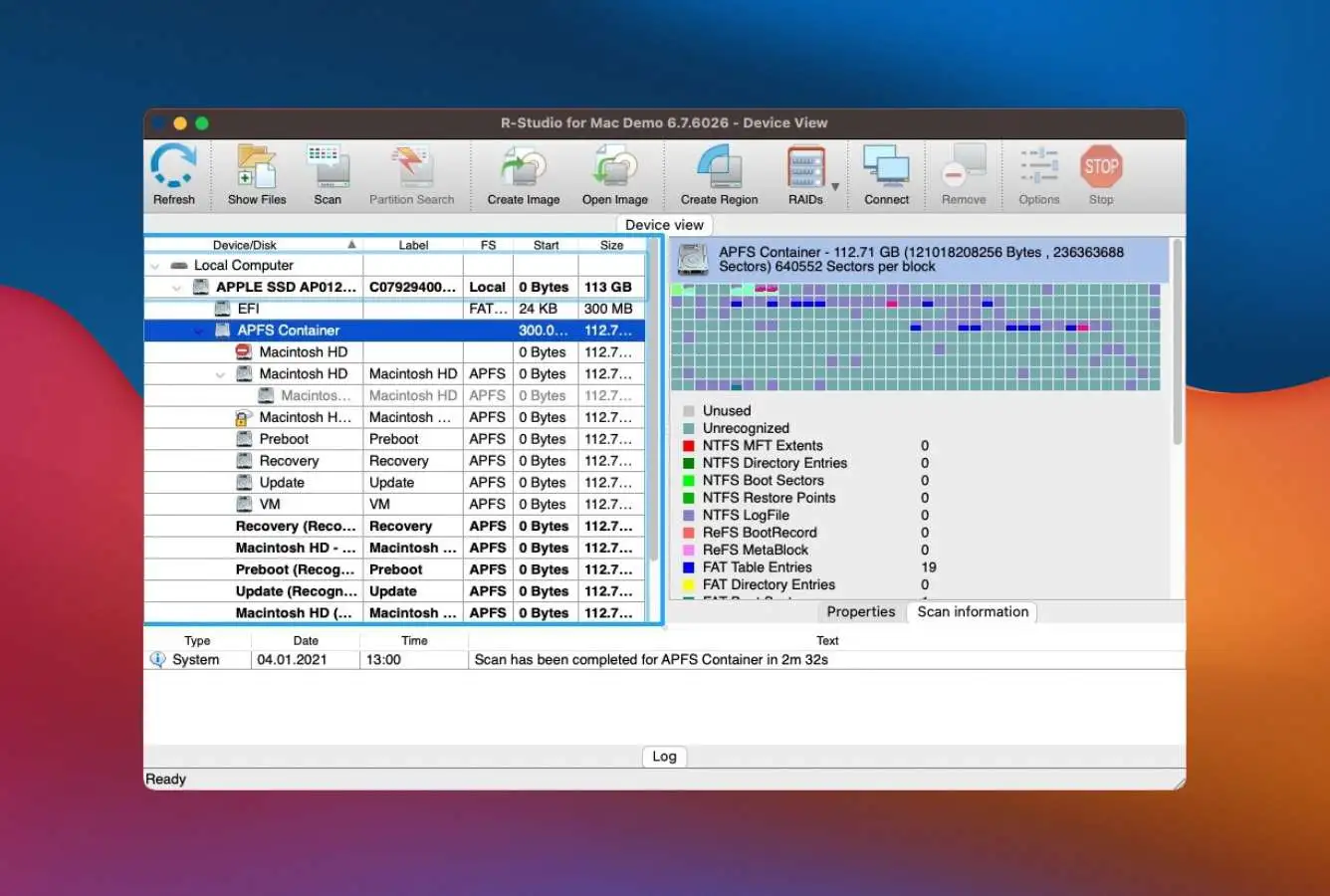
R-Studio isn’t for beginners and doesn’t pretend to be. It’s the tool we’d point a technician to: best-in-class RAID reconstruction, Linux file-system support and forensic-grade output. The big caveat for Mac owners is that it can’t scan internal drives on Apple Silicon or T2 Macs at all, external and older Intel drives only.
Best for: IT pros, RAID arrays and Linux volumes.
Pricing: Demo recovers files under 256 KB; $79.99 perpetual base (Technician $899).

6. UFS Explorer – Best External Hard Drive Recovery for Mac
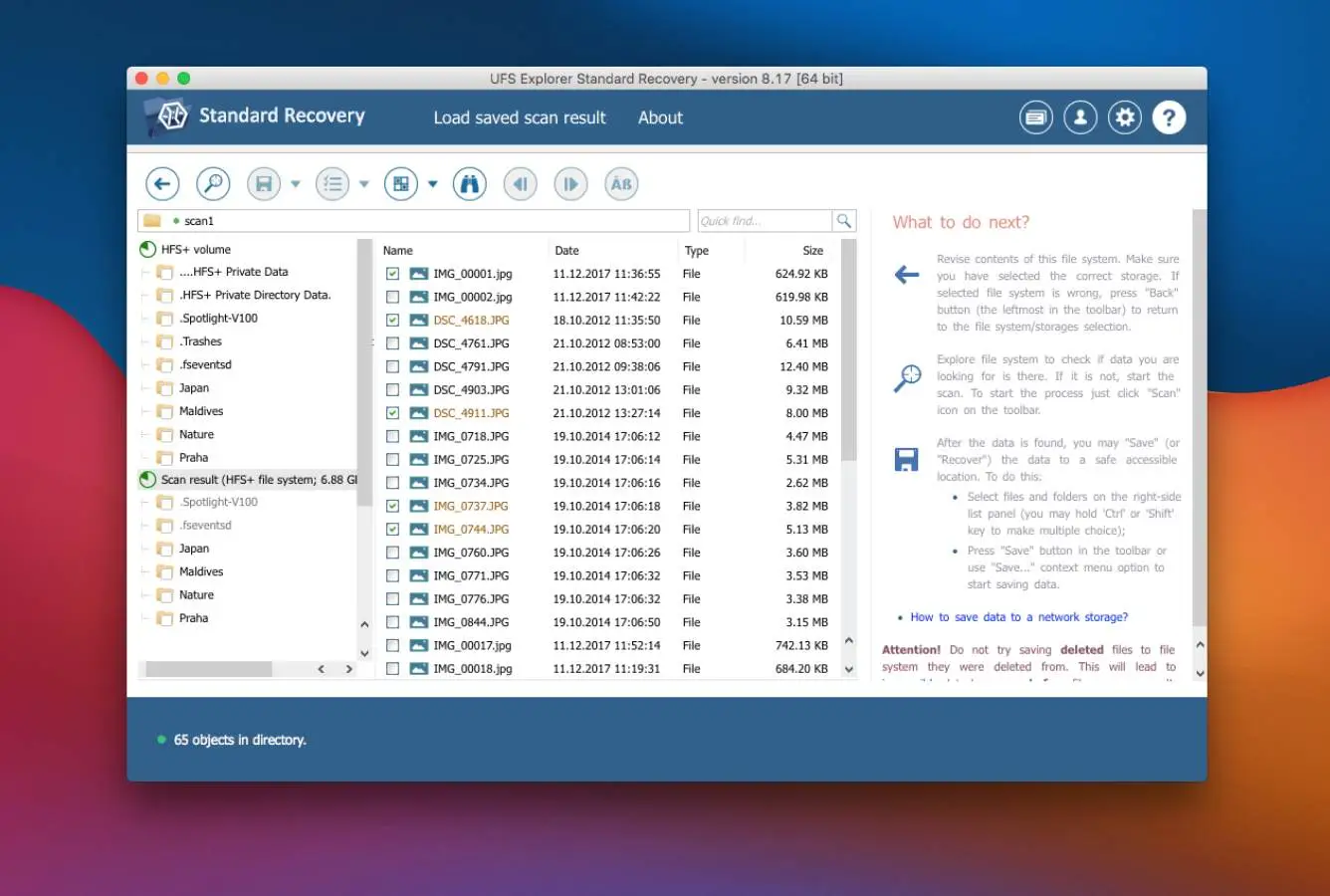
UFS Explorer is the one we keep around for the weird cases. It supports more file systems than anything else here (NAS volumes, Linux drives, virtual disk images, ZFS), so it’s often the only tool that even reads an unusual drive. The interface assumes you know your way around partitions, but at $64.95 perpetual it’s the cheapest serious tool on the list.
Best for: NAS, Linux, virtual disks and multi-filesystem setups.
Pricing: Free trial recovers files under 256 KB; $64.95 perpetual.

7. PhotoRec – Best Open-Source Data Recovery for Mac
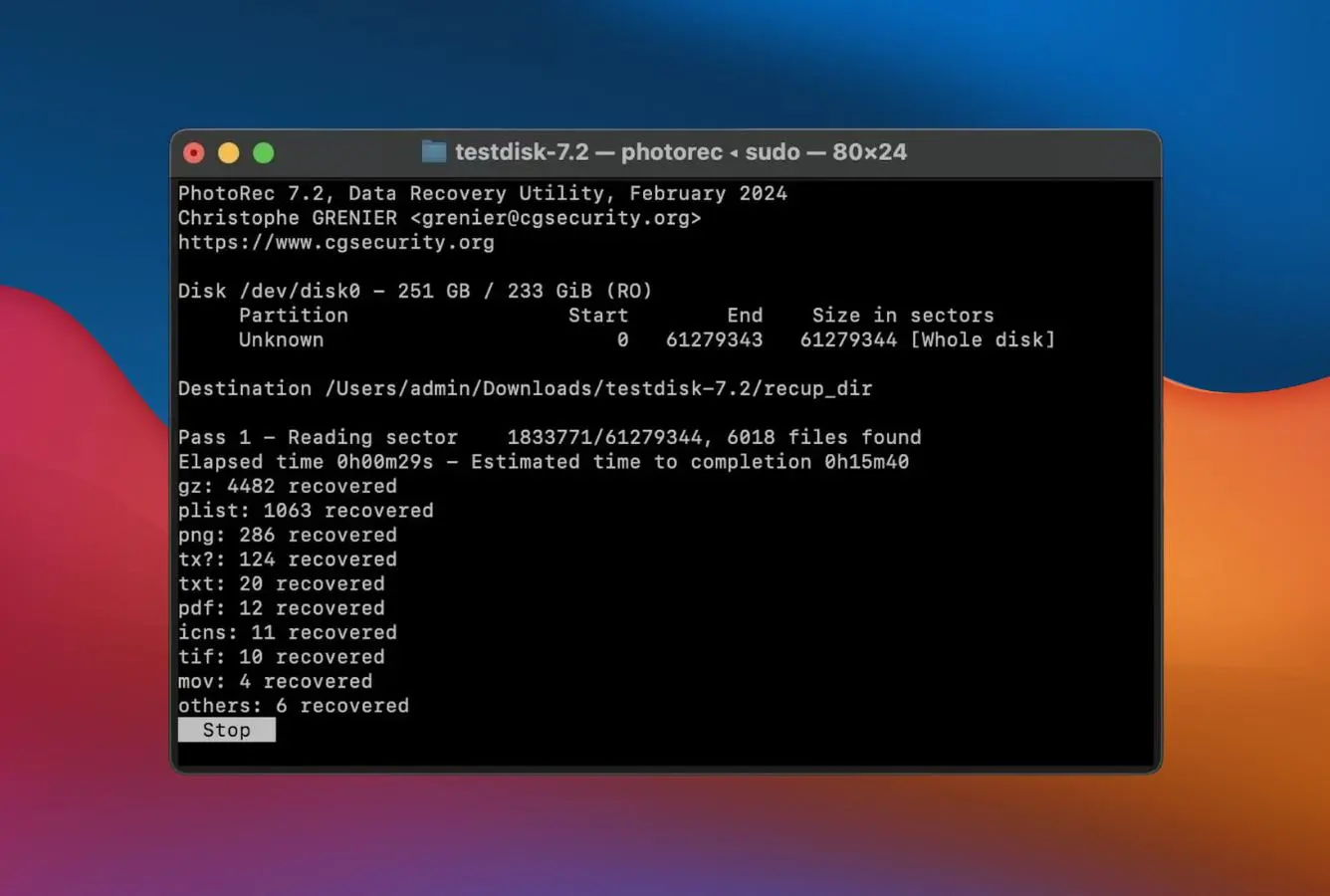
PhotoRec is free, open-source and genuinely capable. Its file-type recognition outdoes some paid tools. The trade-offs are real: on Mac it’s command-line only, and because it ignores the file system entirely, recovered files come back without their original names or folders. If you’re comfortable in Terminal and don’t mind sorting afterward, it’s the best $0 option here.
Best for: Budget recovery when you can live with renamed files.
Pricing: Free, no recovery limits.

8. Data Rescue – Best Undelete Software for Mac (One-Time License)
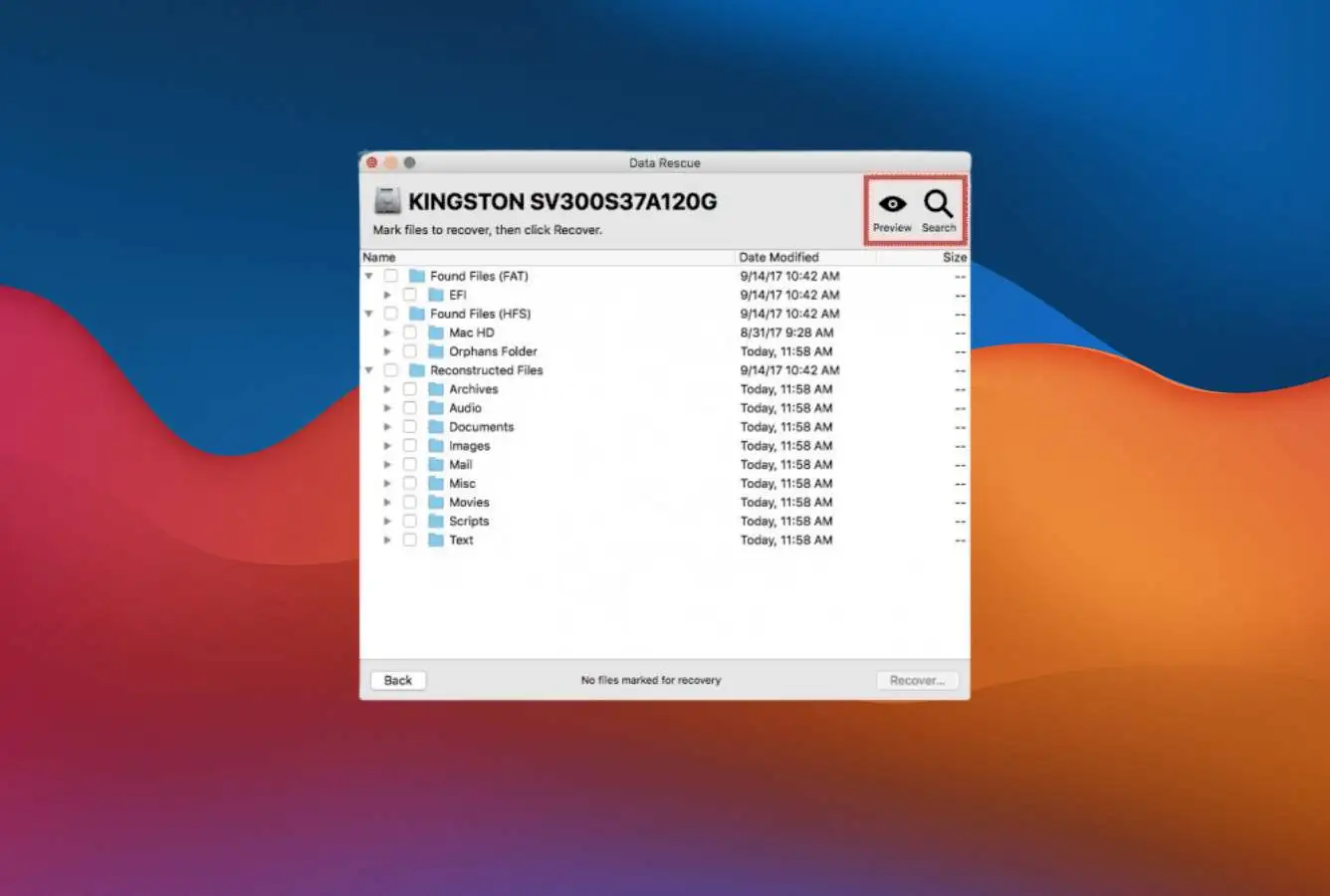
Data Rescue is one of the oldest Mac recovery tools still sold, and it shows its age on APFS. What keeps it on the list is the licensing: $79 buys 30 days of unlimited recovery, the smartest model if you’ve got a single one-off loss and don’t want a subscription. It still leans on Rosetta 2 rather than a native Apple Silicon build.
Best for: A single one-off recovery, especially on older HFS+ drives.
Pricing: 1 GB free; $79 for 30 days of unlimited recovery.
How We Reviewed These Tools
This ranking is our editorial review of the Mac data recovery market as of June 2026. We weighed every tool on the same things, documented file-system support, Apple Silicon compatibility, free-tier generosity, pricing and vendor track record, drawing on vendor docs, changelogs, Mac-community reports and hands-on familiarity. Results vary with drive health and time elapsed, so always run a tool’s free scan on your own drive first.
Mac Data Recovery Software – Honorable Mentions
These tools didn’t make the main list not because they’re bad, but because their overall profile didn’t reach the top 8. They’re worth knowing about for specific scenarios:
When Data Recovery Software Can’t Help
Software can’t save every situation, and knowing the limits keeps you from making things worse. In these cases, no Mac recovery tool on this list will get your files back.
| Your situation | Software can help? | What to do instead |
|---|---|---|
| Data already overwritten | No | Restore from Time Machine or cloud backup if available; otherwise accept loss |
| TRIM-erased internal SSD | No | Check Time Machine and iCloud version history first |
| Physical damage (clicking, water, fire, impact) | No | Power off immediately → professional cleanroom service ($500–$1,500) |
| Encrypted drive, lost password or key | No | Mathematically unrecoverable, check Apple ID for FileVault key |
| Securely erased drive (multi-pass wipe) | No | Don’t buy recovery software, data is genuinely gone |
Do not run any software. Do not attempt to copy files. The clicking sound is a physical failure (read/write head damage). Every spin of the platter risks permanently scratching the magnetic surface. Power down the drive and contact a professional data recovery service. Running software on a clicking drive is one of the most common ways people destroy recoverable data.
Free Built-in Mac Options (Check These First)
Before paying for anything, rule out the recovery tools Apple already ships, plenty of “lost” files turn up here in minutes. Check the Trash and the separate 30-day Recently Deleted folders in iCloud Drive and Photos, then Time Machine if you had it running. For documents you saved over, right-click in Finder and use Revert To → Browse All Versions. If a drive throws errors or won’t mount, run First Aid in Disk Utility first, it often repairs the file system and makes recovery software unnecessary. Only when all of these come up empty are you truly in third-party territory.
A $50 external drive running Time Machine is the most reliable recovery tool there is. Every Mac ships with it built in, turn it on under System Settings → General → Time Machine.
Final Verdict
EaseUS Data Recovery Wizard is our best Mac data recovery software for 2026: the most polished app here, the most generous free tier for checking before you pay, and native support from Intel through M5, now with a $149.95 lifetime license.
If your media came back corrupted, Stellar is the specialist with a repair engine no other tool matches. Disk Drill stays the value champion thanks to its $89 perpetual Mac + Windows license, and Recoverit is the one to grab for fragmented video. Professionals dealing with RAID or Linux volumes will want R-Studio or UFS Explorer. Whichever you pick, run its free scan first. If the files aren’t there, no license will conjure them back.
Frequently Asked Questions
Data Recovery Fix earns a commission on some links, but rankings are decided on the same editorial criteria before any affiliate relationship is considered. Spot something out of date? Email contact@datarecoveryfix.com.